



How to Make a Wedding Menu: The Complete Guide
The dining experience is one of the most memorable parts of any reception, and a beautifully designed menu card adds a personal, elegant touch to each table setting. If you are wondering how to make a wedding menu without hiring an expensive graphic designer, you are in the right place. Our free generator lets you build, preview, and download a print-ready card in under a minute.
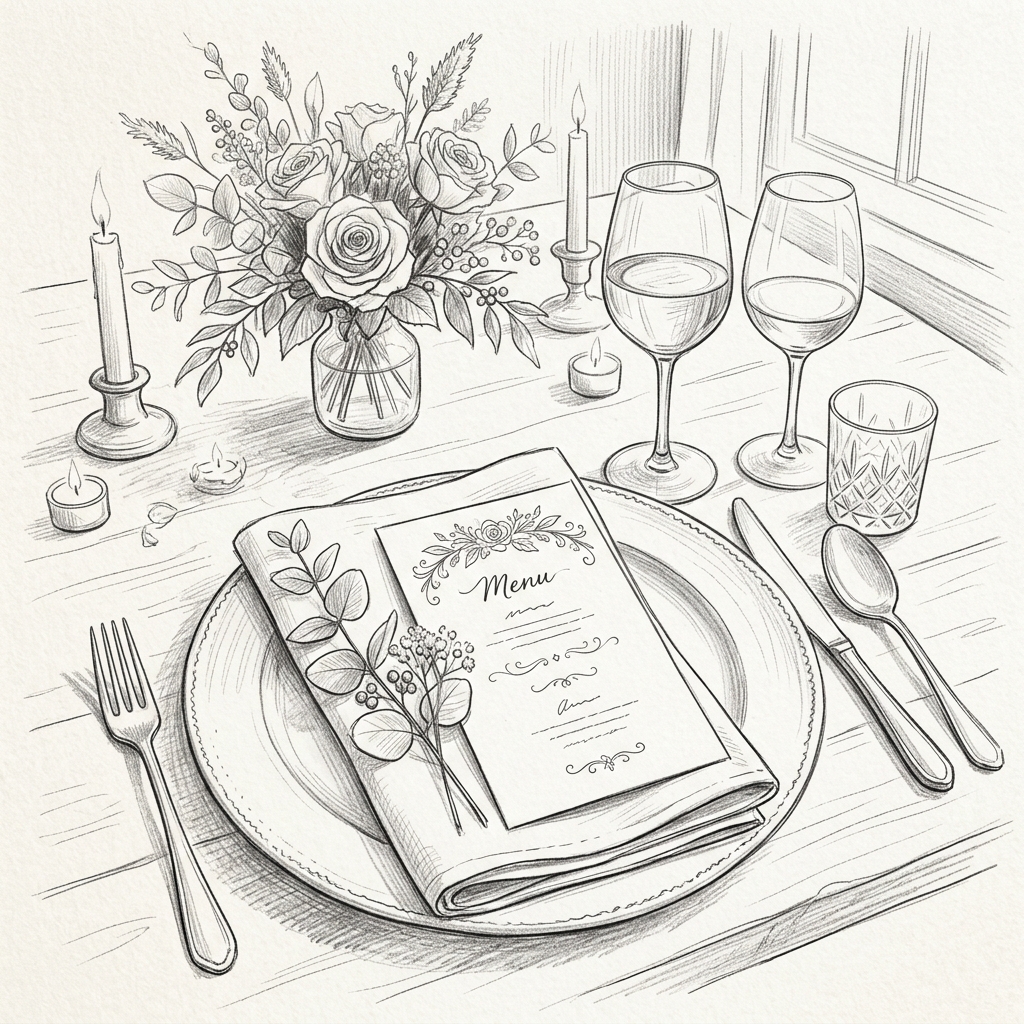
How to Make Menu Cards for Wedding Receptions
Many couples want to make your own wedding menu to save money, as professional prints can cost $50–$150. To do it yourself seamlessly:
- Draft Your Courses: Finalize the food with your caterer first. Usually, this means an appetizer, a main course (with options), and a dessert.
- Use Our Generator: Type your couple's names, the date, and your menu items into the form above. The live preview will show you exactly how it looks.
- Download and Print: Click download to get a crisp, vector-based PDF. You can print this at home or send it to a local print shop.
Do's and Don'ts When Crafting Your Menu
- Do be descriptive: "Pan-Seared Atlantic Salmon with Lemon Dill Beurre Blanc" sounds much better than simply "Fish."
- Do mark dietary options: Clearly indicate (V) Vegetarian, (VG) Vegan, or (GF) Gluten-Free options to put guests at ease.
- Don't overcrowd the card: 2–3 items per course is the sweet spot. If you list every single ingredient, guests will feel overwhelmed.
- Do add a personal touch: A closing line like "With love, Alex & Jamie" turns a simple menu into a wedding keepsake.
Frequently Asked Questions
How to make a menu card for wedding tables?
The easiest way is to use a free tool like our generator above. Just input your dishes, generate the PDF, and print it on high-quality cardstock (100lb+ or 270gsm). You can place one on every plate or one large card in the center of the table.
How to make wedding menu cards look professional?
Paper quality is everything. Use textured cotton or linen paper instead of standard printer paper. Our PDF uses real vector text, meaning it stays razor-sharp and looks identical to professional design software outputs when printed.
How large to make food menu sign for wedding?
If you are printing individual table cards, standard A5 size (half of an A4 page) or 5x7 inches is perfect. If you are creating one large buffet sign for all guests to read from a distance, aim for at least 18x24 inches or 24x36 inches.
How many courses should a wedding menu have?
Most weddings feature 3 main courses — starters, mains, and dessert. However, our maker lets you add as many custom sections as you need, including cocktail hour bites, a cheese course, or late-night snacks.
Can I edit the PDF after downloading?
The most efficient workflow is to edit your text directly on this page and re-download. Because generation is instant, there is no need to use a separate PDF editing tool.