The Complete Guide to Digital Wedding Invitations
Why e-invites save $1,500+, 5 ready-to-send SMS/WhatsApp templates, and modern etiquette standards.
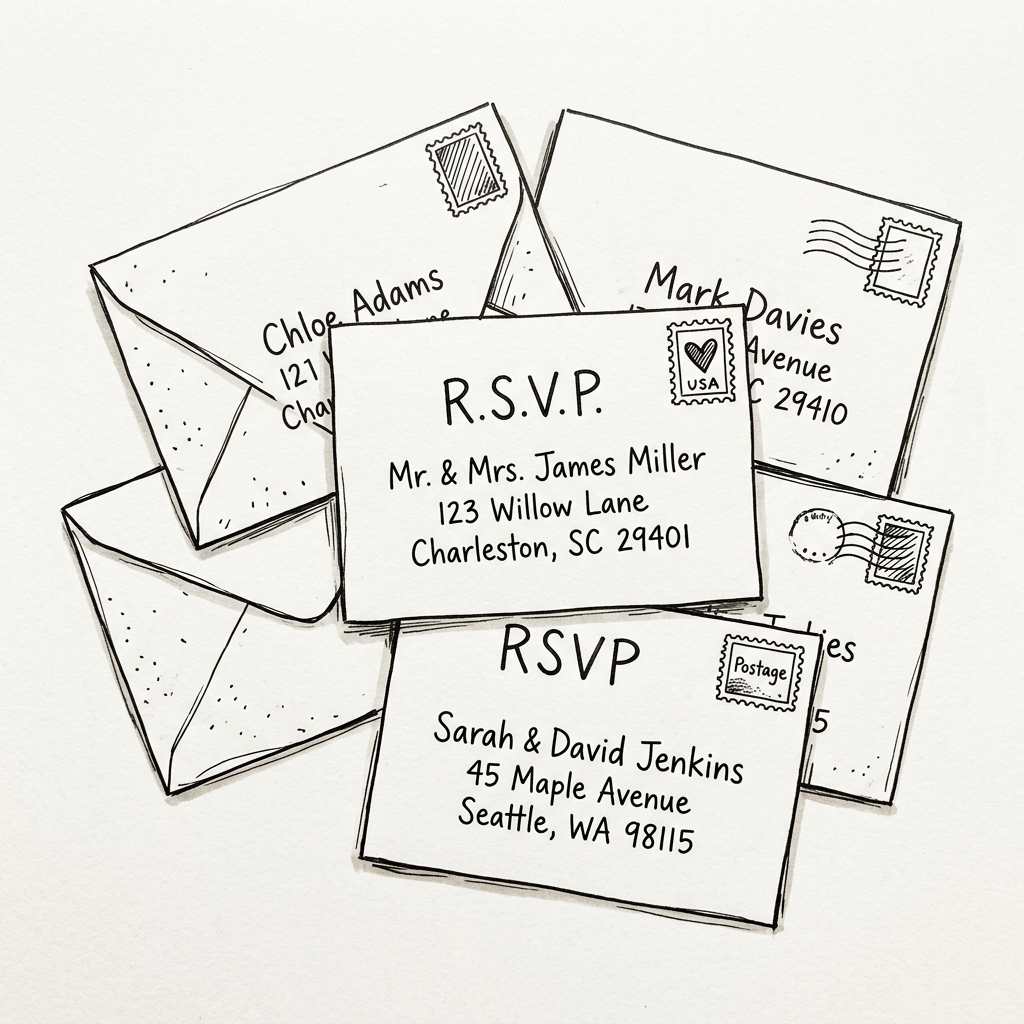
Digital invitations eliminate lost mail, postage delays, and allow instant mobile RSVP tracking.
1. Step-by-Step Guide: How to Generate & Send E-Invites
Follow this simple step-by-step workflow to generate and dispatch personalized invitations in under 5 minutes:
Step 1: Customize Event Details & Artistic Theme
Type in your wedding date, start time, venue address, dress code, and wedding website link. Choose your preferred aesthetic border theme (Classic Ink, Botanical Floral, or Romantic Arch).
Step 2: Sync Your Guest List or Add Names
The tool automatically syncs with your Guest List Manager database. You can also quickly type new guest names into the quick-add bar or click "✨ Load Sample Guests" to test full batch generation.
Step 3: Download Cards & Export Formatted Messages
Download high-res PNG cards for individual guests, or click "📝 Export Word Messages (.doc)" to download an organized text file with customized SMS/WhatsApp invitation copy tailored for every guest!
2. Traditional Paper vs. Digital E-Invitations Breakdown
| Comparison Factor | Traditional Paper Stationery | Digital E-Invitations |
|---|---|---|
| Average Cost (100 Sets) | $1,200 - $2,800 (Cards + Stamps) | $0.00 (100% Free) |
| Delivery Speed | 5 to 14 business days (mail delays) | Instant (1-click SMS / WhatsApp) |
| RSVP Response Rate | 40% - 60% on-time (requires reminder calls) | 85% - 95% on-time (direct mobile link) |
| Environmental Impact | High paper waste, ink, fossil fuel transport | Zero waste (100% Eco-Friendly) |
3. Ready-to-Send SMS & WhatsApp Invitation Copy
Formal & Elegant Message
"Dear [Guest Name], Emma & Alexander invite you to celebrate their wedding on October 17, 2026 at The Glasshouse Gardens. Please view your official invitation card attached and RSVP online here: [Link]"
Warm & Casual Message
"We're getting married! 💍 We would love for you to join us on October 17th. Check out your invite card above and let us know your RSVP and meal preferences here: [Link]"
🔗 Integrated Wedding Stationery & Guest Tools
Frequently Asked Questions
Can I send digital invitations via mass BCC email?
Yes! If sending via email, always place your guests' email addresses in the BCC (Blind Carbon Copy) field to preserve everyone's privacy and avoid accidental "Reply-All" threads.
How do I export all personalized messages to Word?
Click "📝 Export Word Messages (.doc)" at the top of the page. The generator formats an organized, copy-and-paste ready document with personalized SMS and WhatsApp texts for every person on your list.